
Where to find indie apps, maker offers, and beta tests
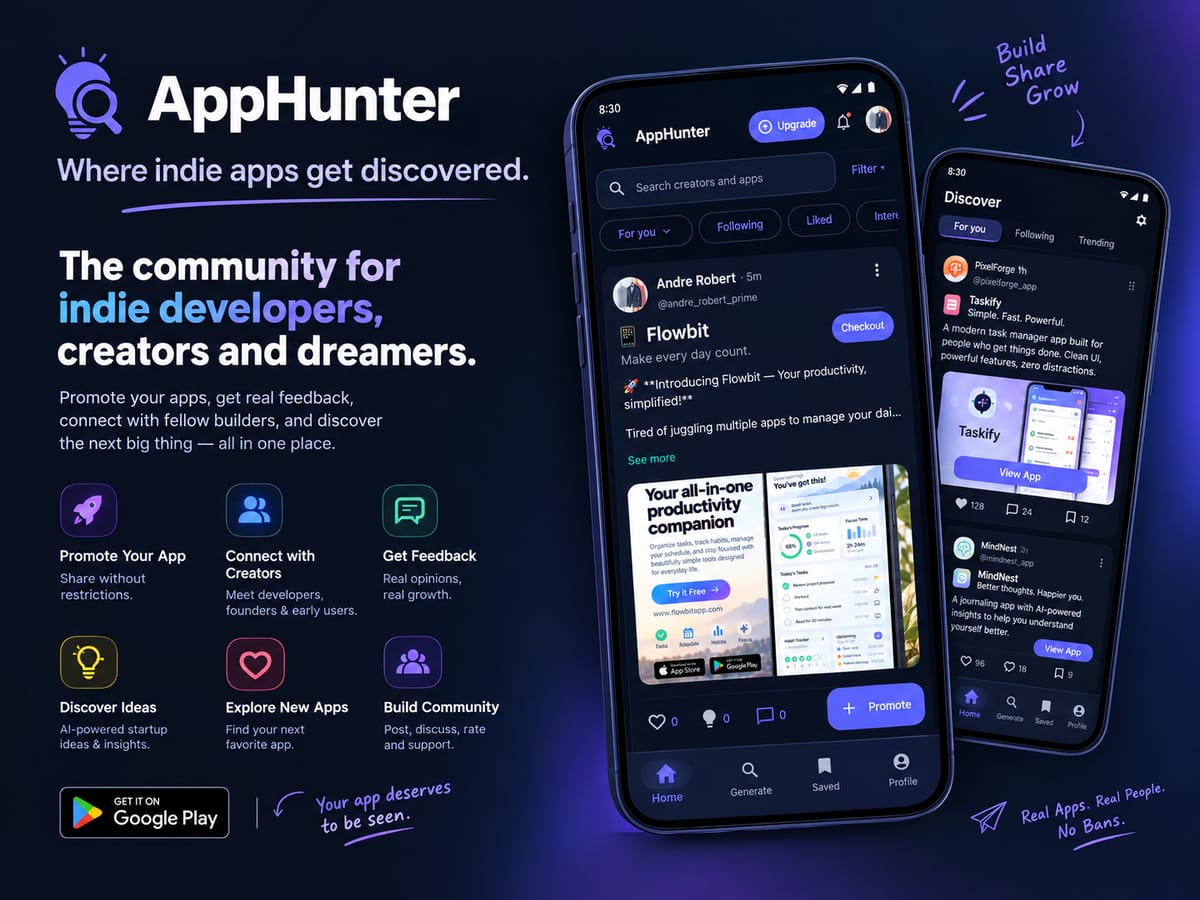
The next app you love may not come from a household-name company. It might be a small tool made by one developer, a new product still looking for its first users, or a beta build that needs thoughtful feedback. The hard part is knowing where to look—and what each place can actually help you find.
AppHunter brings a few of those discovery paths together: projects shared by their makers, offers attached to some projects, listings seeking testers, and a community where developers and curious users can talk. It is not a complete app-store catalog. Think of it as a window into what independent makers are working on and where they could use a hand.
Find apps from indie developers and small teams
Large app stores are useful when you know the name of the app or category you want. They are less personal when you want to see what a small team is building before it becomes widely known. In Demand Lab, makers can share a project, explain the problem it addresses, add images and a website, and show whether it is an early idea, prototype, or product in testing.
Start with the project’s problem and intended audience, not only its pitch. Does the problem sound familiar? Is the proposed app clear about who it helps? If there is a website or demo, open it and see whether the product matches the description. A listing is a discovery lead—not an endorsement or proof that a product is right for you.
Look for app deals posted by the maker
Some Demand Lab projects include a Deal label. That means the maker has added an offer for eligible AppHunter members, interested users, or testers. Open the project and read the offer details: who can claim it, what it includes, and how the maker plans to provide it.
One distinction matters: AppHunter’s Deals filter is for maker-posted project offers, such as early access or a discount offered by that project. It is not a directory of every sale in Apple’s App Store or Google Play, and offers can change. Check the project itself for current terms before you claim or rely on anything.
Browse projects and select Deals in Demand Lab →
Find apps that are looking for beta testers
Testing an early product is a practical way to discover new apps and help a small developer catch issues before a wider release. In Demand Lab, choose Testing now to see projects whose makers are recruiting testers. Read the listing before volunteering; it should tell you what the app does and may include a website, supported platforms, or a way to get access.
Useful feedback is specific. Say what you tried, what you expected, what happened, and which device or platform you used. If the project has a particular testing request, follow it. A beta is unfinished by definition, so expect rough edges and avoid sharing private information unless you understand how the developer handles it.
Want to test AppHunter itself? Visit the AppHunter beta tester page for information about its own beta program. That is separate from testing projects posted by other makers in Demand Lab.
Meet the developers behind the apps
A product page tells you what a maker wants you to know; a developer community gives you room to ask a question. AppHunter Community is where people share products, app wishes, progress, and questions about building. Follow creators whose work interests you, join a discussion, or message a maker when you want to ask about a specific project.
This can be useful for indie developers too. Share what you are making, explain who it is for, and ask for a focused response. People are more likely to give useful feedback when they know whether you want help with onboarding, a confusing feature, or the problem statement itself. Community interest is a signal to investigate, not a substitute for customer research.
A simple way to explore AppHunter
- Browse projects: open Demand Lab and scan the problem descriptions and project stages.
- Choose your goal: use Deals for maker-posted offers, or Testing now for projects seeking testers.
- Check the details: review the project page, website, platform, offer terms, and testing request before taking action.
- Talk with the maker: use Community to join broader discussions or contact a creator about their project.
- Share what you learn: if you are building too, post your own project and invite feedback from people who understand the space.
AppHunter is built around discovery and early feedback: indie apps, small product teams, early-stage projects, and the people interested in trying them. Availability depends on what makers have shared, so the most useful results will change as new projects and offers are added.
Frequently asked questions
Where can I find apps made by indie developers?
Browse maker-submitted projects in Demand Lab and app-related posts in Community. Listings depend on what developers have shared and are not a complete app-store catalog.
Does AppHunter show every app-store discount?
No. The Deals filter shows offers project makers add to their own listings. It does not track all App Store or Google Play price changes.
How do I find apps that need testers?
Select Testing now in Demand Lab and review each project’s testing instructions, platforms, and access details.
Can I share my own app or startup?
Yes. You can share a project in Demand Lab and join conversations in the community. Explain the problem, who the product is for, and what kind of feedback or testers you need.
Meet the small teams building what comes next.
Browse indie projects, maker offers, and apps looking for testers—or join the conversations around them.
Explore AppHunter Demand Lab