
How to find beta testers for your app—and get feedback you can use
A beta test can look successful on paper and still teach you almost nothing. Twenty people install the app, nobody reaches the feature you care about, and the only feedback is “looks good.” The fix usually isn’t a bigger audience. It’s a clearer test and a better match between the people you invite and the problem your app solves.
Decide what you need to learn first
Write down one or two questions before you recruit. Maybe you need to know whether a first-time user can finish onboarding, whether a tool fits into a real workday, or whether a feature behaves reliably on older devices. “Tell me what you think” is too broad; “Can you plan tomorrow’s meals without help?” gives a tester something observable to try.
Separate usability feedback from technical testing. A crash report can tell you the app failed on a device; a short conversation can tell you why a screen was confusing. You may need both, but they call for different people and different instructions.
Recruit people who resemble your intended users
Start with people who already experience the problem: customers, newsletter readers, community members, or people in a relevant professional group. A friend can help catch a broken button, but friends often know what you meant and may avoid being candid. Ask for a specific kind of participant rather than “anyone who can test.”
Useful places to invite testers include your own audience, relevant developer or user communities, a small private group, and platforms where app makers and testers meet. Read each community’s posting rules before sharing. A considerate invitation explains why you chose that group and what the person will actually be asked to do.
Make the invitation easy to evaluate
Keep your request short and include:
- Who the app is for and the problem it addresses.
- What device or platform is supported and what build the tester will receive.
- How long the test takes and which tasks to try.
- What feedback you want, how to send it, and whether any incentive is offered.
- What data the app collects and how a tester can stop participating.
Do not promise a polished experience if the build is rough. People can decide whether to help when they know what they are signing up for.
Give testers a task, not a tour
Ask testers to use the product in a realistic situation. If you are testing a grocery planner, ask someone to plan a meal they would actually cook. If you are testing a focus timer, ask them to use it during a work session. Watch where they pause, what they miss, and which workarounds they invent. A guided demo is useful for explaining setup, but it can hide the very confusion you need to find.
Afterward, ask neutral questions: “What did you expect here?”, “Where did you get stuck?”, and “What would you do next if I weren’t here?” Avoid asking whether they like your idea; people are much better at describing what they did than forecasting what they would buy or use.
Use the right testing channel for the job
Apple’s TestFlight helps developers distribute pre-release builds and manage testers for Apple platforms. Google Play offers testing tracks and guidance for recruiting testers; check the current Google Play testing requirements for your account and app before planning a release. Platform policies can change, so use the current official documentation for eligibility and distribution details.
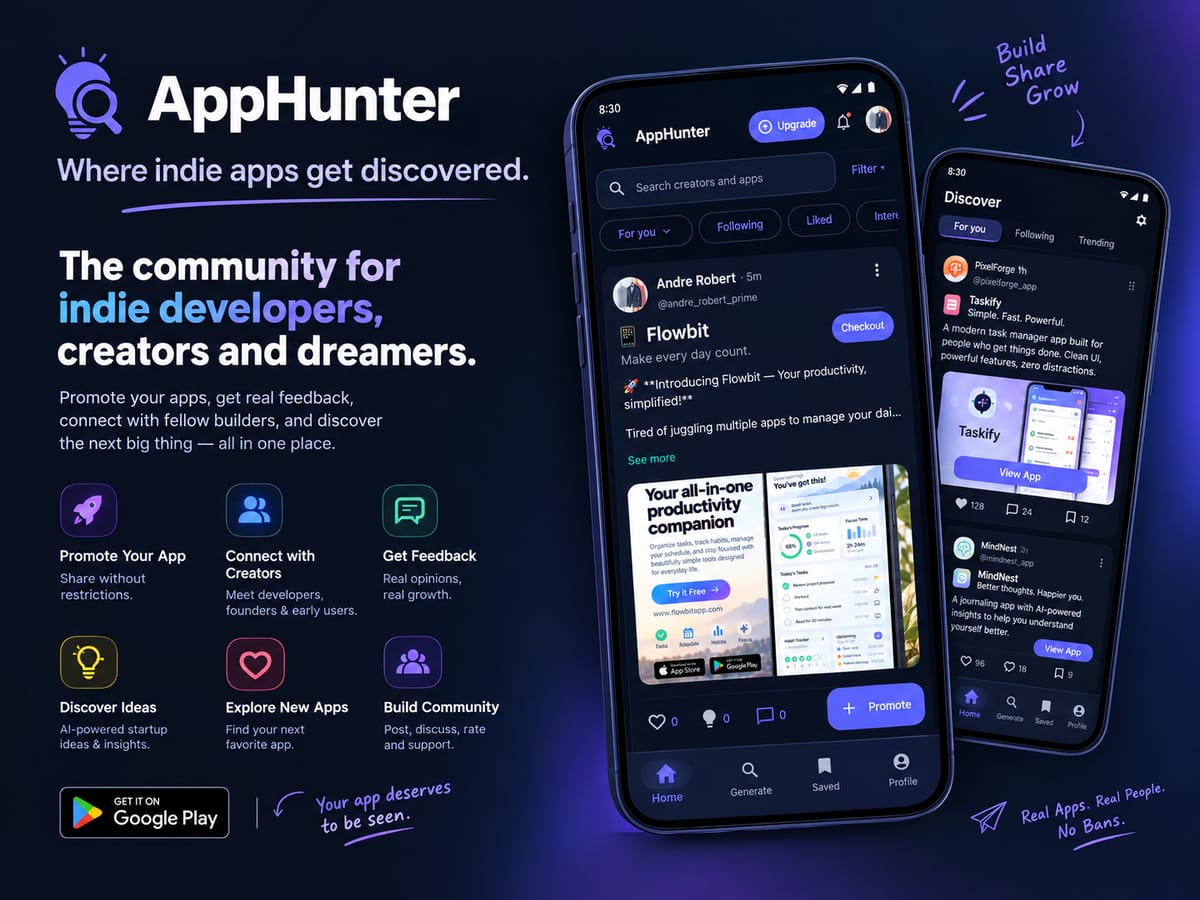
If you are looking for people who want to try early products, AppHunter’s Demand Lab has a Testing now filter for projects whose makers are seeking testers. Read each listing, make sure the project fits your audience, and agree on access and feedback expectations with the maker.
Close the loop after the test
Thank people, tell them what you learned, and—when appropriate—share what changed because of their feedback. Keep notes grouped by task or friction point rather than treating every suggestion as a feature request. If several testers struggle at the same step, investigate the design. If one person asks for an edge-case feature, record it and look for more evidence before building it.
A good beta round ends with a decision: fix a blocker, run another focused test, or move on. It does not need hundreds of participants to be valuable.
Try a product while its maker is still listening.
Browse AppHunter projects in testing and see what the developer needs help evaluating.
Explore projects testing now