
What if opening a distracting app meant studying first? Meet FlashLock
An illustrative product profile based on public product information; this is not a customer testimonial.
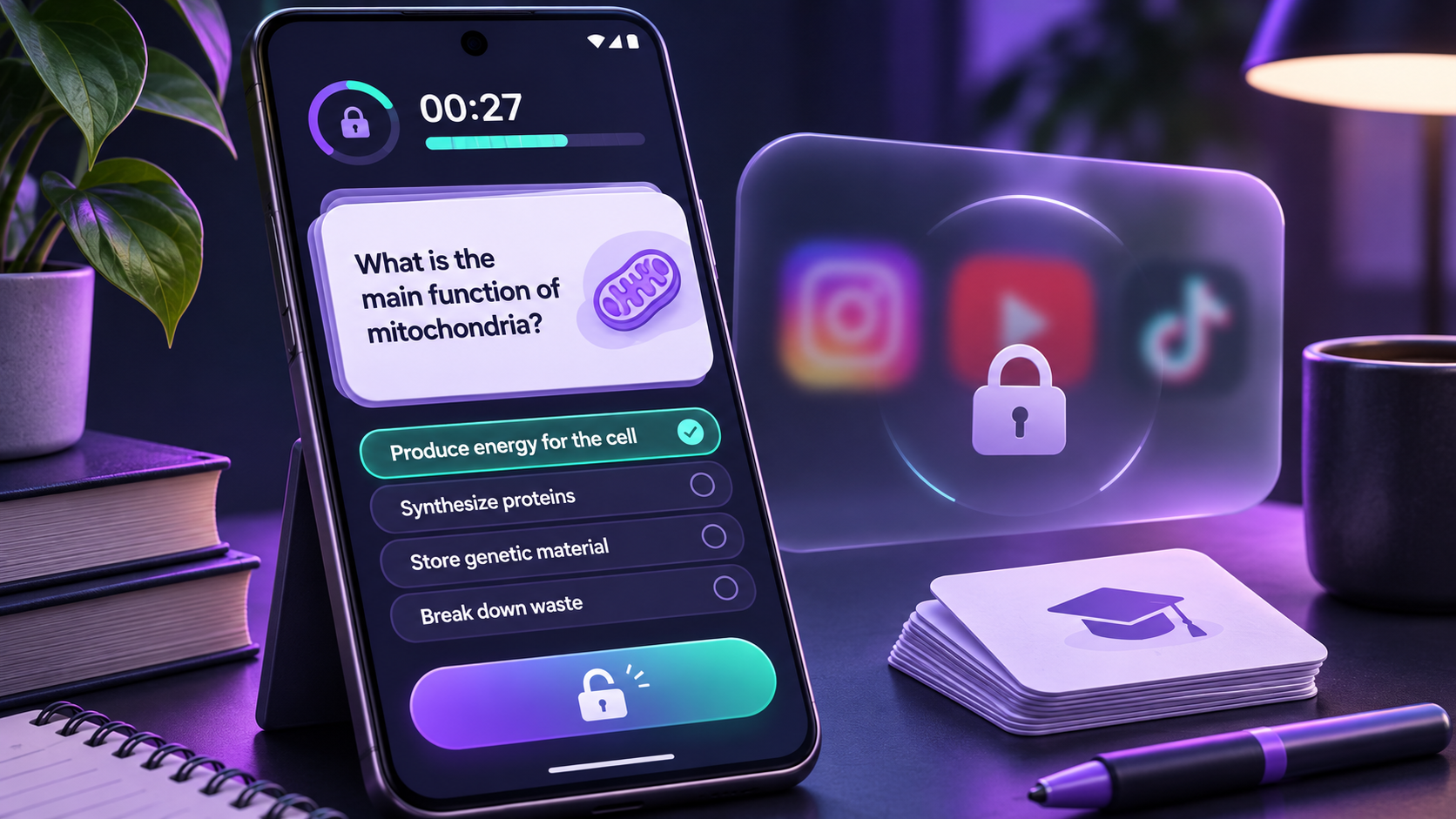
You pick up your phone to check one thing, then look up and realize the break took longer than you meant it to. It happens especially easily when the app you opened is the one that pulls you away from studying.
When “just use a timer” is not enough
Timers and focus modes can create a boundary, but they still leave a familiar choice: close the distracting app and open a separate study tool. Flashcards can help with recall; remembering to switch over is the hard part. FlashLock’s idea is to put a short review in the middle of that moment.
A study pause before the scroll
FlashLock’s Google Play listing says users can choose which apps to gate, select a deck, and set how many cards to answer before continuing. Its tagline gets straight to the point: “Study before you scroll.” You can make cards, import decks, use a community library, or try AI-generated cards, according to the listing.
That makes the review part of an existing habit instead of asking someone to build a brand-new routine from scratch. The useful question is whether the pause feels like a manageable nudge—or an interruption you will quickly turn off.
Keep the friction in proportion
A small review set is a sensible place to start. A handful of cards may be enough to make a quick check-in more intentional; a long deck could make opening an app feel like a chore. The right number depends on the subject and on how often the selected app is used.
One permission to understand first
FlashLock’s Play listing says the app uses Android’s AccessibilityService permission, with the user’s permission, to detect when a selected app opens and show the flashcard screen. Read the app’s explanation before enabling it, and only grant the access you are comfortable with.
Learn more about FlashLock
For the latest product details, visit the maker’s official website or store listing.
View FlashLock on Google Play ↗Find products worth trying
Explore early products, meet the people building them, and discover deals from small developers in Demand Lab.
Explore Demand Lab ↗